
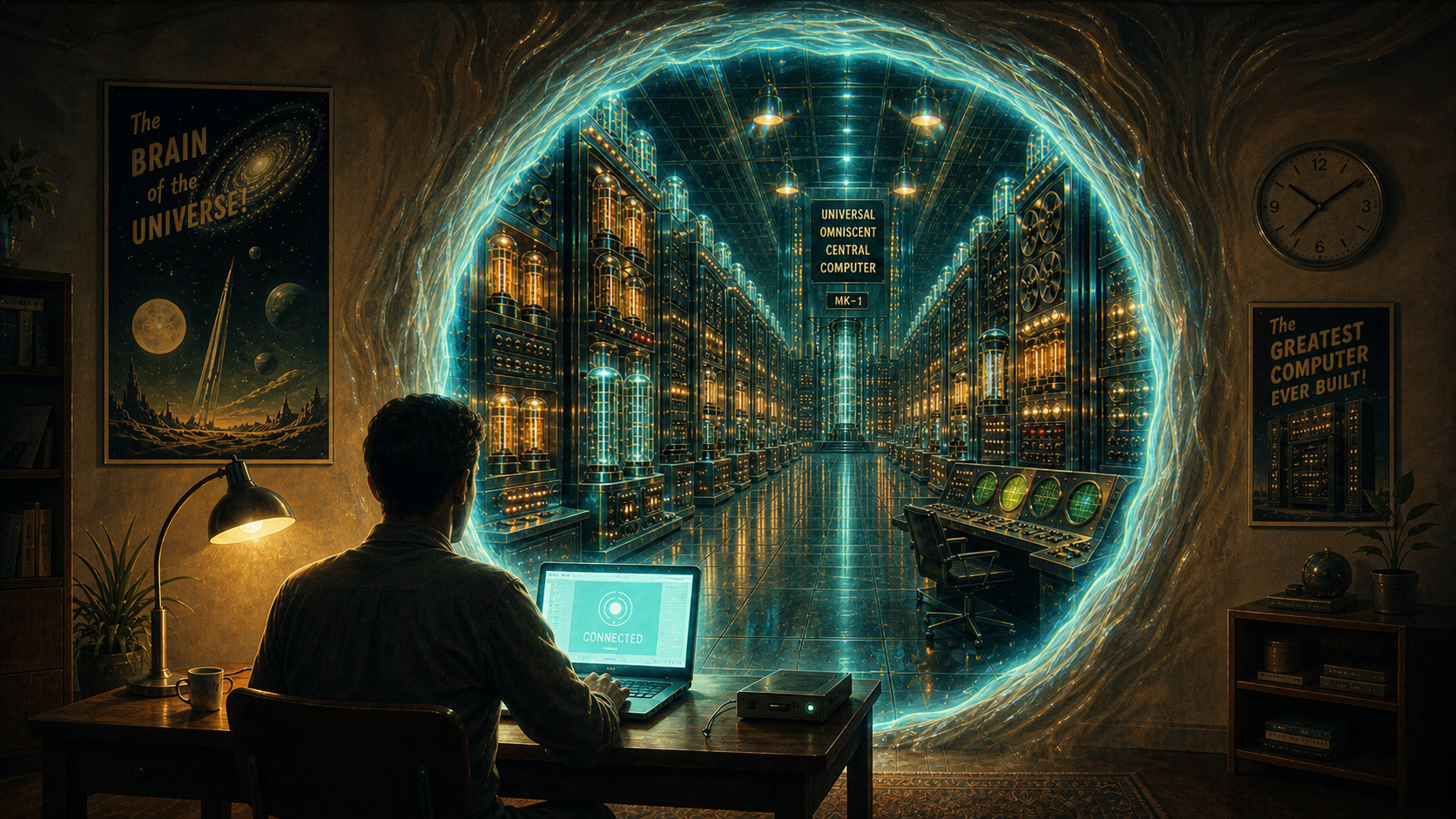
The workstation remains itself. Mercurius lets you inhabit it from elsewhere.
A long‑lived workstation stays at the centre of your computing life; Mercurius lets you reach it even from another seat.
About Mercurius
Mercurius exists because modern computing has lost the idea of a workstation as a networked presence. We have powerful, long‑lived machines that accumulate history and identity, yet we interact with them through tools designed for disposable laptops and short‑lived sessions.
My own workstation, xavier has evolved over roughly fifteen years. It is a Ship‑of‑Theseus machine: serious CPU, serious storage, serious uptime, and a home directory that actually means something. Around it lives a constellation of small Unix systems, each doing one job well: NTP, mail, DNS, storage, and other services.
To me, the system is the whole network. The workstation is not a box under a desk; it is the centre of gravity for everything I do.
What I want is simple to describe but hard to achieve: to use that machine — in the room sat at the keyboard, or from the studio, the garden, or a laptop on the road, without pretending the laptop is the machine or uprooting it into a cloud service. My session should belong to the workstation rather than the portal in front of me. I should be able to detach from that session if I leave the office and move to another room, another building, or another device, and later resume it exactly where I left off, with the same windows, applications, and context still running. In the CLI world, tools such as screen and tmux have provided this capability for decades. Mercurius aims to bring the same continuity to graphical environments.
X11 deserves enormous credit for demonstrating what a network‑transparent window system could be. It proved that remote interaction could feel native, not emulated. Wayland deserves equal credit for bringing Linux graphics into the modern era. It has made Linux laptops genuinely competitive with macOS in smoothness, latency, correctness, and power efficiency. Its clarity of scope — focusing on doing local graphics well — is a strength, not a limitation.
Mercurius is not a rejection of either. It is an attempt to fill the space they intentionally do not occupy: a clean, modern, structured protocol for inhabiting a long‑lived workstation across the network, with windows, focus, and input treated as first‑class concepts. To the local machine, a Mercurius portal is just another Wayland app. It leverages the display server to handle the local physical glass and input devices, freeing the protocol to focus entirely on structured, persistent window state across the network.
In that sense, Mercurius is not a replacement for X11 or Wayland. It is the missing piece that allows a workstation to remain itself, wherever you happen to be.
Mercurius runs across Linux and FreeBSD workstations and portals, using real Vulkan rendering, local and remote transports, and authenticated sessions.
Mercurius is a genuine:
- zero-trust
- network-native
- window system
To see mercurius in use, including screenshots, visit Mercurius in use.
How Mercurius differs from what already exists
When people first hear about Mercurius, a common reaction is: “but surely you can already do that?”. On the surface it sounds like X11 forwarding, Wayland remoting, or a remote desktop system like RDP. The differences only become clear when you ask where pixels are drawn, what crosses the wire, and who is trusted.
A key distinction is that Mercurius works even with no network at all: the workstation’s own console is just another portal. You log in as you would any normal display manager, but you can then resume the gaming session you had open the other evening, the coding session from yesterday afternoon, or start a new session entirely. It is network-native in the sense that it doesn't matter whether you sit at the same machine again or any other on the LAN. You can still resume that session from yesterday.
-
X11 over SSH moves drawing primitives from applications
to a remote X server. It lets an individual application running on
another machine appear as a window on your local desktop, but assumes
trusted clients and 1980s graphics hardware. It exposes global input and
window state, and does not model modern GPU pipelines.
Mercurius preserves that useful property, but does it in a fundamentally different way: X11 is “run the app there, render here, trust everything,” while Mercurius is “run and render there, inhabit it here, trust almost nothing.”
-
Wayland plus remoting focuses on local graphics; any network transparency is an add‑on implemented by compositors and third‑party protocols. There is no single, standard, network‑native window system in the Wayland model.
-
RDP, VNC, SPICE, NoMachine, Sunshine/Moonlight, and similar systems provide mature solutions for remote desktops and low‑latency game streaming. They let you use the desktop of another computer, usually as a complete desktop contained within a window or taking over the screen.
Mercurius does not require you to choose between those two models. It can present an entire desktop Session like RDP, individual remote applications like X11, or both together. I can sit at flash and attach to a long‑lived desktop Session running on xavier, a Kubuntu machine, and in that Session run an application on torch, a FreeBSD machine. Its windows appear within the Session itself, indistinguishable from local ones: they move, resize, stack, and behave like every other window on the desktop in front of me.
The applications — and their data — never leave the workstations where they run. Mercurius carries only structured window and presentation messages, not framebuffers or file contents. The Portal shows the presence of those windows, but holds none of the data behind them. Mixing applications from multiple machines does not copy their documents, credentials, or GPU workloads to the laptop; there is nothing local to steal because nothing local is kept.
This is possible because Mercurius represents windows, surfaces, focus, and input as first‑class protocol objects rather than transmitting a single image of another desktop. When the network is poor, Mercurius can fall back to a video‑style view, but that is the exception, not the design.
The easiest way to think about Mercurius is to imagine a laptop plugged into a docking station: the screen, keyboard, and mouse are here, but the real computer doing the work is the laptop under the desk. Mercurius is exactly that — only the “dock” happens over Ethernet instead of a USB‑C cable. You are not watching a video of a distant desktop; you are using your workstation directly, with your own windows and applications, as if you were sitting in front of it.
Mercurius exists to restore the networked workstation. Your real machine — the one with your files, tools, and history — stays where it belongs, running your applications and keeping your data safe. You reach it from lightweight Portals that provide input and display but hold nothing of value themselves. Sessions are long‑lived: you can put your work down and pick it up again from anywhere, exactly where you left it. Mercurius does for the GUI what ssh does for the CLI.
Mercurius is different in three important ways:
- It is zero-trust by design. Authentication, encryption, and per-client isolation are fundamental to the protocol’s model, not optional layers added around it.
- It is network-native. Mercurius keeps input, audio, and graphics on their own independent lanes. Heavy visual updates do not freeze your mouse, and moving the mouse won't make your audio stutter.
- It is structured. Windows, surfaces, focus, and input are protocol objects with explicit behaviour, not side effects of a framebuffer or compositor implementation.
The zero-trust model separates three different trust decisions:
-
Workstation identity — the Portal establishes that it
has reached the Workstation the user intended to connect to:
“Is this really
xavier.tebibyte.org?” - User identity — the Workstation establishes the identity of the user requesting access: “Is this really Per?”
-
Authorisation — the operating system decides what the
authenticated user is permitted to do:
“May Per run
mlogo?”
Authenticating the Workstation, authenticating the user, and authorising the user's actions are separate decisions made at different layers of the system. Mercurius does not treat a successful network connection as authority to use the Workstation.
In other words, Mercurius is not “X11 with encryption added” or “Wayland with a remote-desktop plugin”. It is a zero-trust network-native window system in its own right, designed for modern GPUs, modern security, and long-lived workstations.
What Mercurius enables
Mercurius makes several workflows possible that traditional window systems cannot:
- Resume a graphical session you left yesterday — or last week — exactly as it was.
- Reattach to sessions running on any machine in your estate.
- Move a live desktop session between physical machines without closing anything.
- Switch between several long‑lived desktops as easily as switching tmux sessions or browser tabs.
- Use any desk as “your” desk with a follow‑me workstation environment.
- Work securely from untrusted networks without exposing data.
- Switch between different operating systems at the same desk without rebooting.
For detailed examples, see the full set of use cases.